Since our customer support page has been updated and the process for sending in an inquiry has changed, we want to ensure that players on all platforms can easily reach out to us for assistance.
NOTE: Before accessing support on any platform, we highly recommend the following:
- Login to the account that you will require assistance for.
- Ensure that your email address is verified.
We recommend this in order to verify that you are the owner of the account and that your issue can be resolved as quickly as possible.
Website
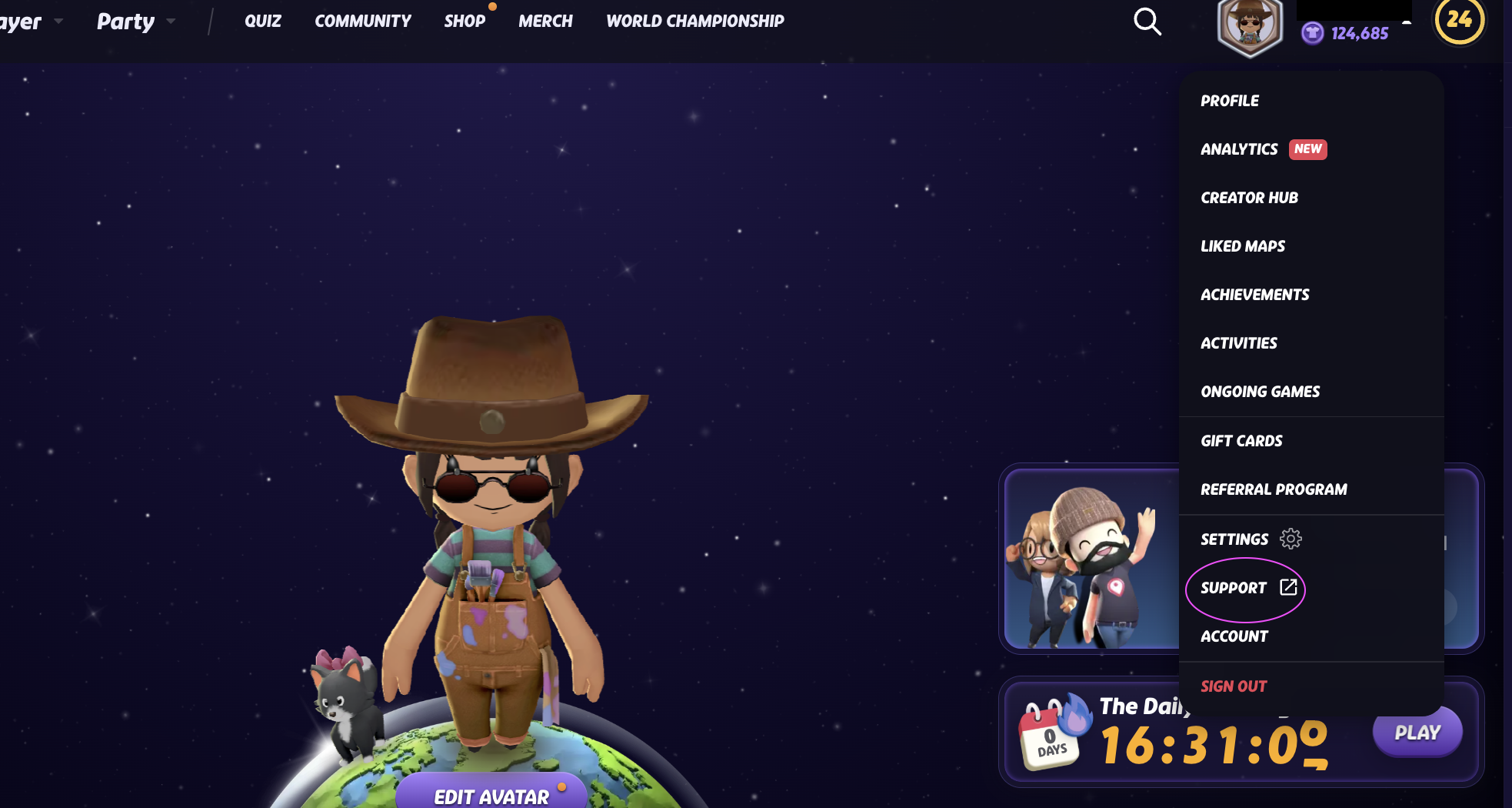
As a GeoGuessr web user, you can access support by hovering over your profile picture and selecting 'Support' in the drop down menu that appears.
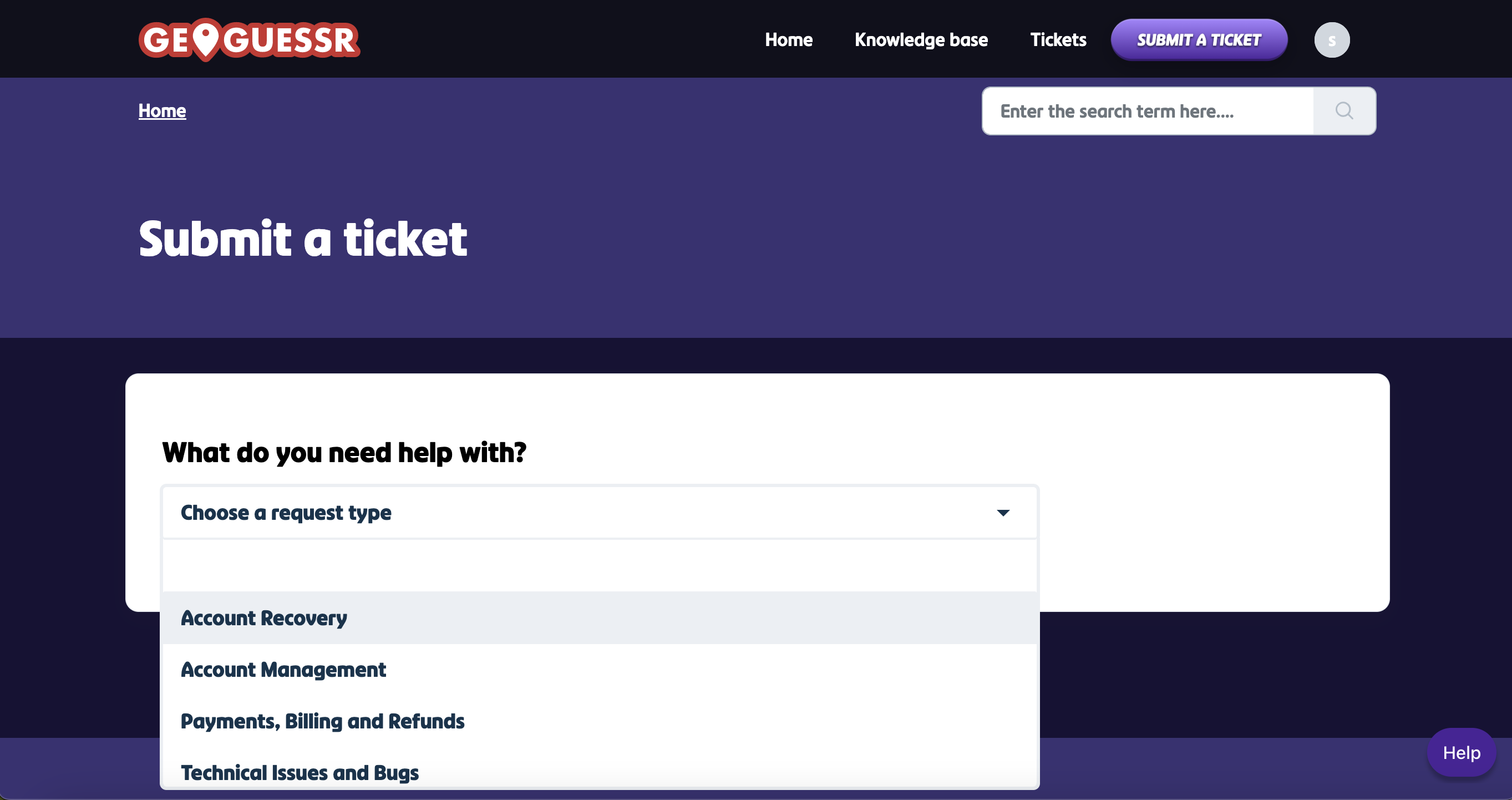
This will take you to a different web page where you can select 'create ticket' and fill out the required information.
Steam
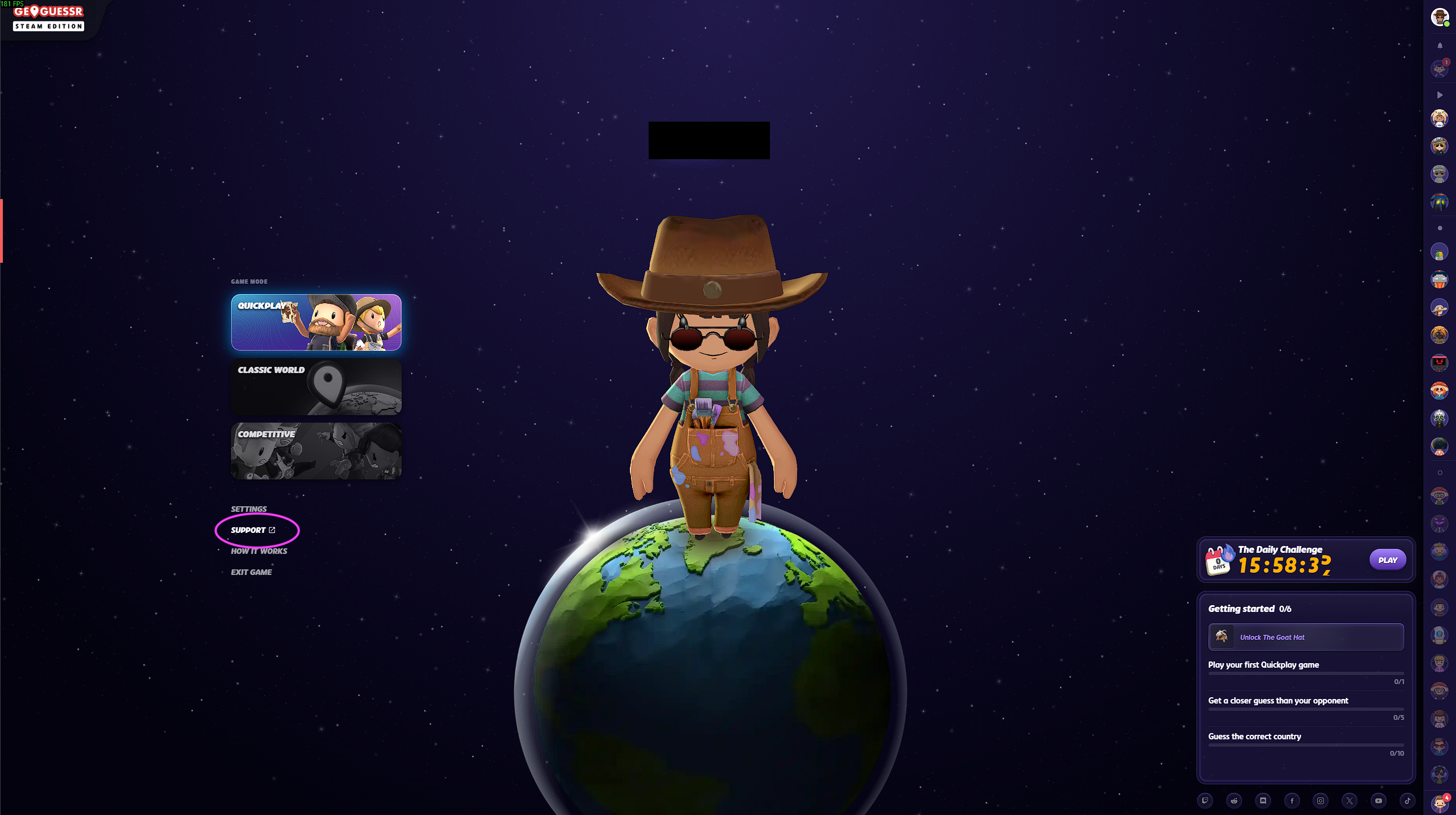
On Steam, you will see the 'support' option on the home page as soon as you start the game. When you select support, you'll be redirected to a browser page where you can create a new ticket or view your current tickets.
Please ensure that you're logged into the correct Steam account that you need assistance with.
Mobile
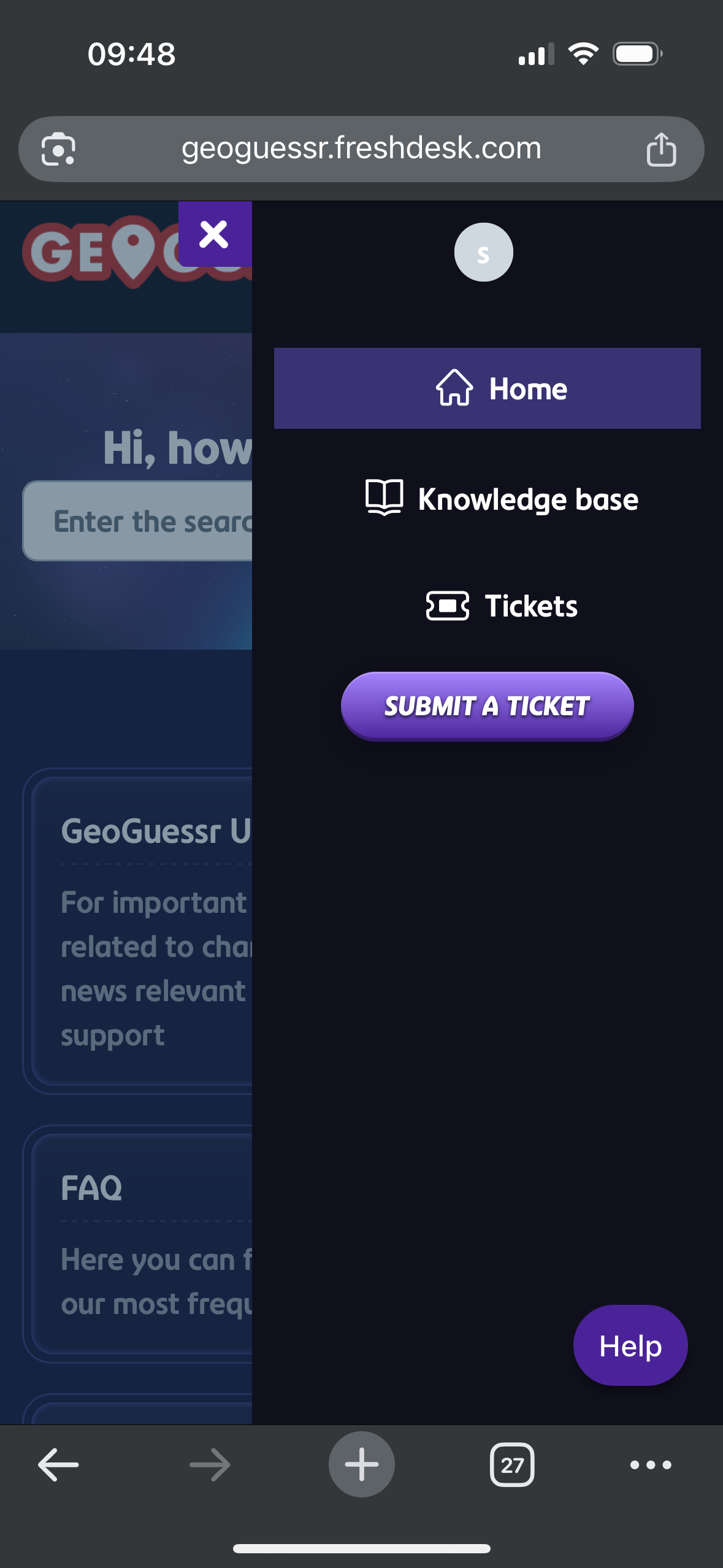
As a mobile user, you can select your profile to open the menu options. You will see the 'support' option, which will take you to a mobile-browser page.
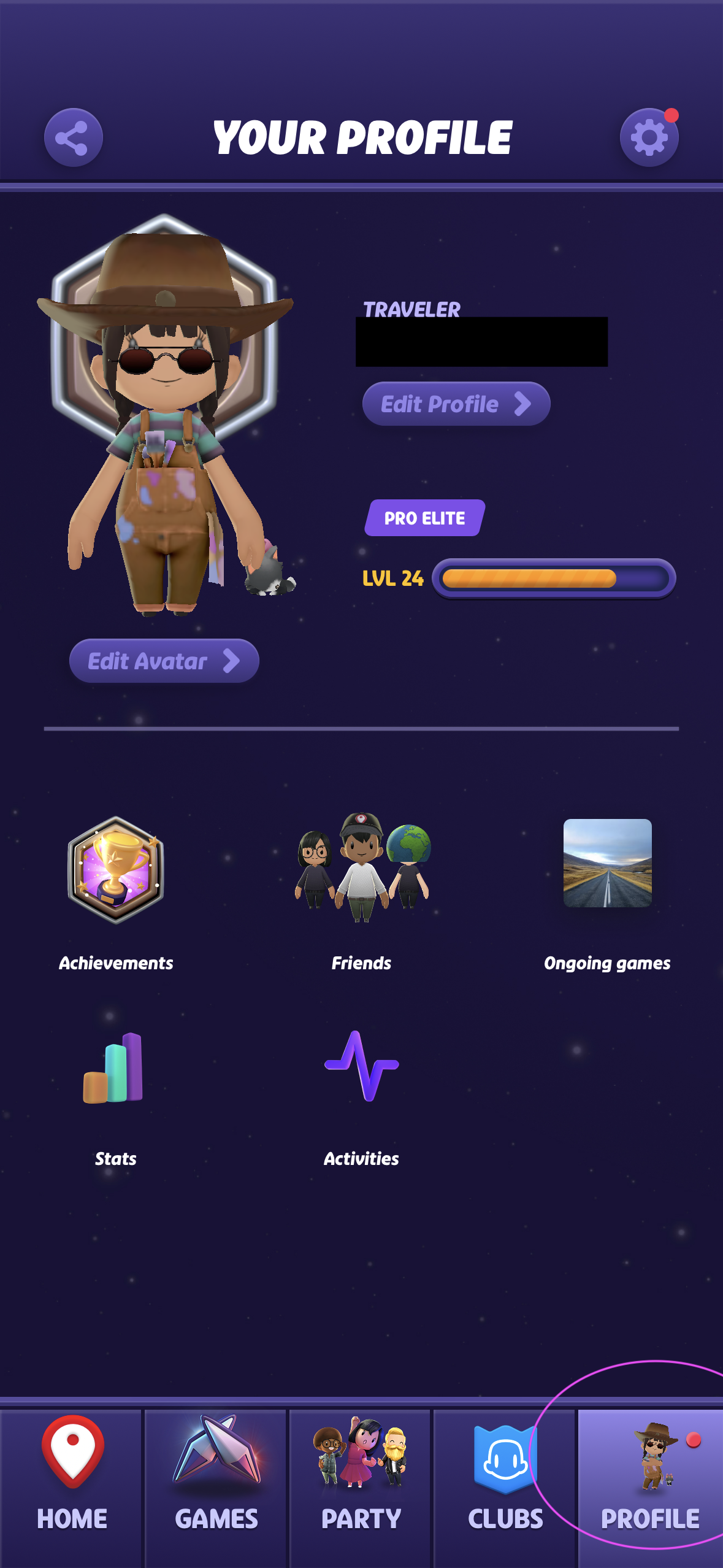
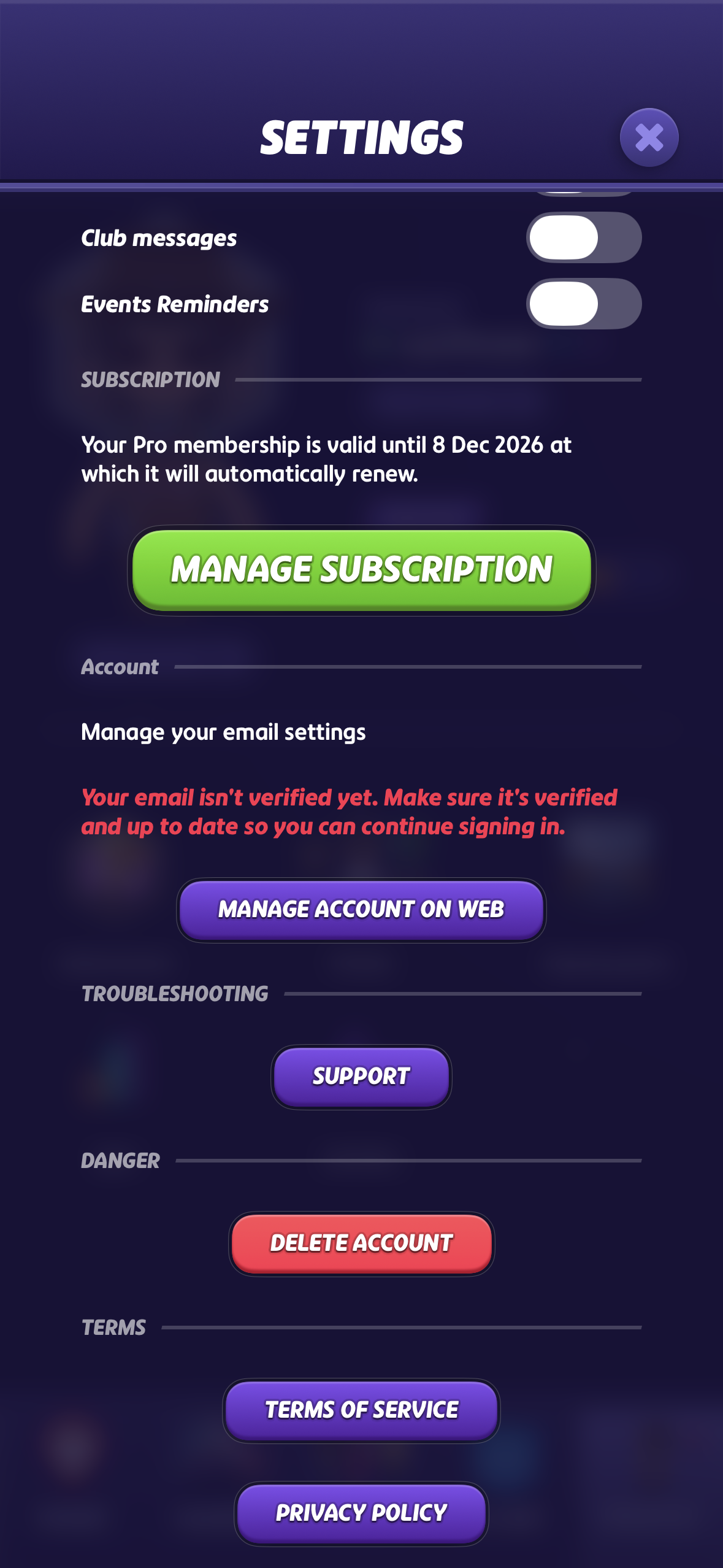
Here, you can select the menu to either create a new support ticket or review old tickets.
Was this article helpful?
That’s Great!
Thank you for your feedback
Sorry! We couldn't be helpful
Thank you for your feedback
Feedback sent
We appreciate your effort and will try to fix the article